How to Eliminate Wi-Fi Dead Zones for Faster Internet at Home
You don’t always notice your Wi-Fi until it stops working where you need it most. Your favourite show streams perfectly in the living room but starts buffering in the bedroom. Video calls are crystal clear near the router, yet freeze the moment you move upstairs. Smart devices suddenly disconnect, and online games become frustrating because of lag.
These are classic signs of Wi-Fi dead zones, areas in your home where the wireless signal becomes weak or unstable. While many people assume replacing the router is the only solution, the reality is that a strong home network starts with a reliable internet connection. Once that foundation is in place, a few practical adjustments can dramatically improve Wi-Fi coverage throughout your home.
What Causes Wi-Fi Dead Zones?
A Wi-Fi signal travels through the air, and everything in its path affects its strength. Thick concrete walls, metal doors, mirrors, large furniture, water tanks, and even household appliances can interfere with the signal. In multi-storey homes, the distance between the router and connected devices also plays a significant role.
Another overlooked factor is the number of connected devices. Modern homes often have smartphones, laptops, smart TVs, security cameras, tablets, gaming consoles, and smart appliances connected simultaneously. If your broadband cannot handle the growing demand, every device competes for bandwidth, resulting in slower performance.
Start with a reliable broadband foundation.
Many homeowners invest in expensive routers expecting instant improvements. While a good router certainly helps, it cannot compensate for an inconsistent broadband service.
Think of your broadband as the source of water flowing into your home. If the supply itself is weak, installing larger pipes won’t increase the flow. Similarly, your Wi-Fi network can only perform as well as the broadband feeding it.
A stable fibre internet connection delivers consistent bandwidth to your router, enabling it to distribute connectivity more efficiently across every room. This is why upgrading to fibre often improves the overall online experience, not just download speeds.
Router Placement Makes a Bigger Difference Than You Think
One of the easiest ways to improve Wi-Fi coverage is by relocating your router.
Many people place routers inside TV cabinets, behind furniture, or in one corner of the house because it is convenient. Unfortunately, these locations block wireless signals and reduce coverage.
For better performance:
- Place the router near the centre of your home.
- Keep it elevated on a shelf or table.
- Avoid surrounding it with electronic devices.
- Leave open space around the router for better signal distribution.
A well-positioned router can often eliminate weak signal areas without requiring additional equipment.
Choose the Right Internet Speed for Your Family
Not every household uses the internet in the same way. A family streaming movies, attending online classes, working remotely, and using smart home devices at the same time requires much more bandwidth than someone who only browses the web does.
Choosing the right internet speed ensures every device receives sufficient bandwidth without slowing down the network. Faster speeds also help reduce buffering, improve video call quality, and provide smoother gaming and streaming experiences.
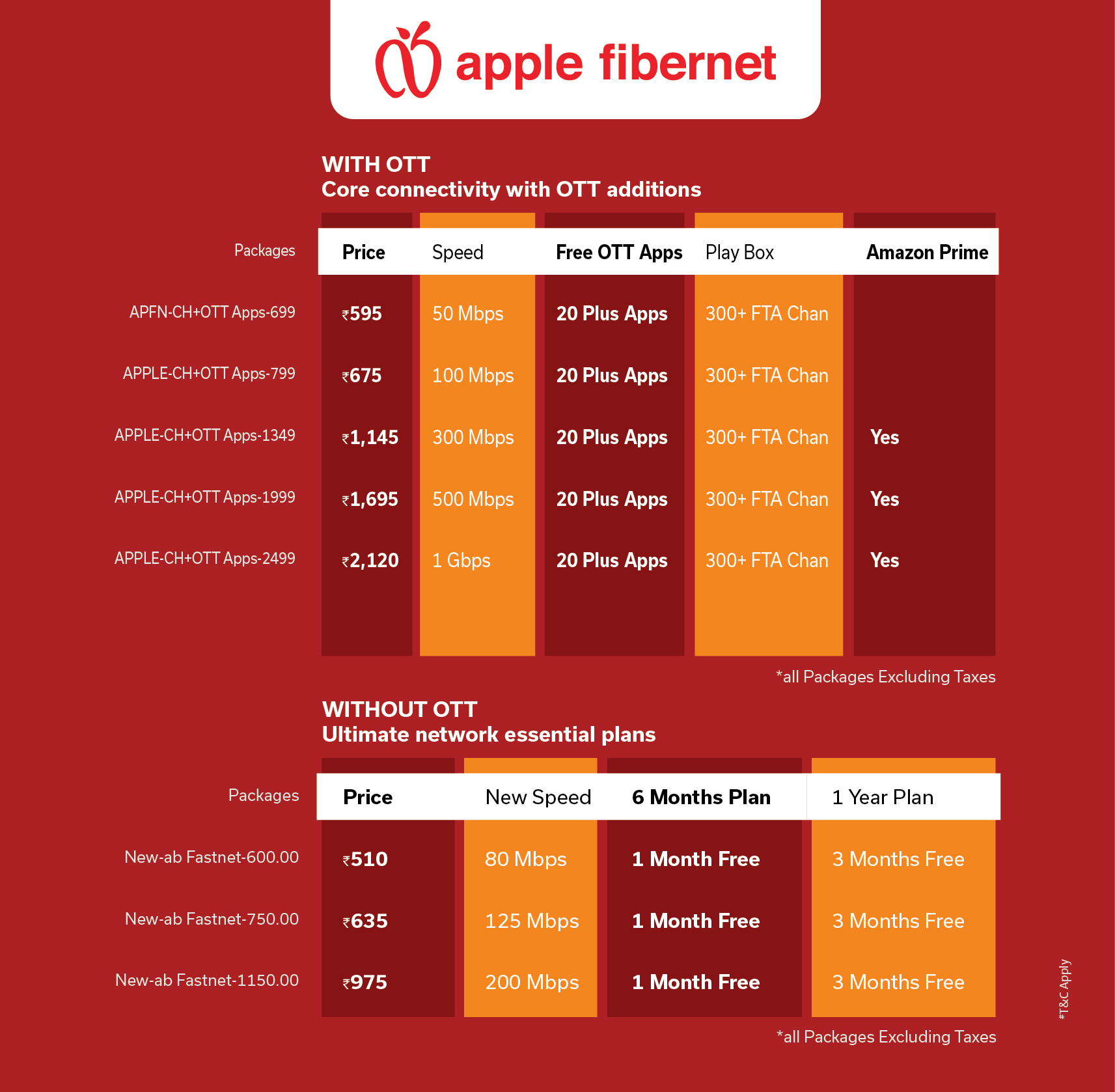
Instead of selecting a plan based only on price, consider the number of users and connected devices in your home.
Select Broadband Plans That Match Your Lifestyle
Broadband requirements continue to grow as families adopt more connected devices. What worked two years ago may no longer be enough today.
Flexible broadband plans allow households to choose speeds that match their daily usage while providing room for future expansion. Whether you primarily use the internet for entertainment, remote work, online learning, or smart home automation, selecting the right plan helps maintain consistent performance throughout the day.
Choosing a plan that supports your current and future needs also reduces the likelihood of frequent upgrades.
Your Internet Provider Matters More Than You Realise
Even the best router cannot deliver excellent performance if the broadband network experiences regular interruptions.
Choosing the best internet provider means selecting a company that offers dependable service, stable fibre infrastructure, responsive customer support, and consistent connectivity. Reliable service becomes especially important for households that rely on the internet for work, education, entertainment, and communication.
A trusted provider ensures that your home remains connected even during periods of high internet usage.
Improve Your Wi-Fi Network
If certain parts of your home still experience weak signals, a few additional improvements can help.
Mesh Wi-Fi systems are ideal for larger homes because they create multiple wireless access points that work together as a single network. Wi-Fi extenders can also improve coverage in rooms that are farther away from the router.
Keeping your router’s firmware updated, reducing unnecessary connected devices, and using modern networking equipment all contribute to creating the best Wi-Fi connection possible.
Small improvements made together often deliver a noticeable improvement in wireless performance.
Is It Time for a New Broadband Connection?
Technology has changed significantly over the past few years. Today’s households use more internet-connected devices than ever before, making older broadband technologies less effective.
Installing a new broadband connection based on fibre technology provides greater reliability, higher speeds, and better support for modern digital lifestyles. Whether you’re moving into a new home or upgrading your existing service, fibre broadband creates a stronger foundation for every connected device.